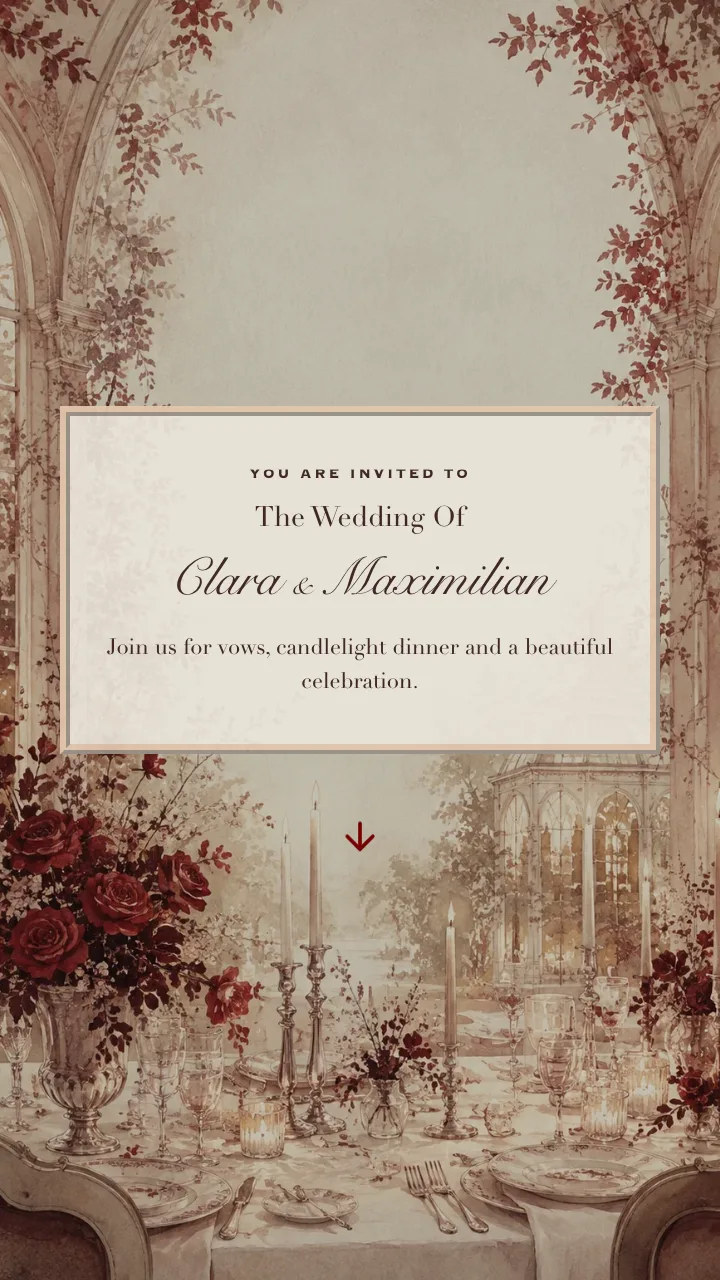



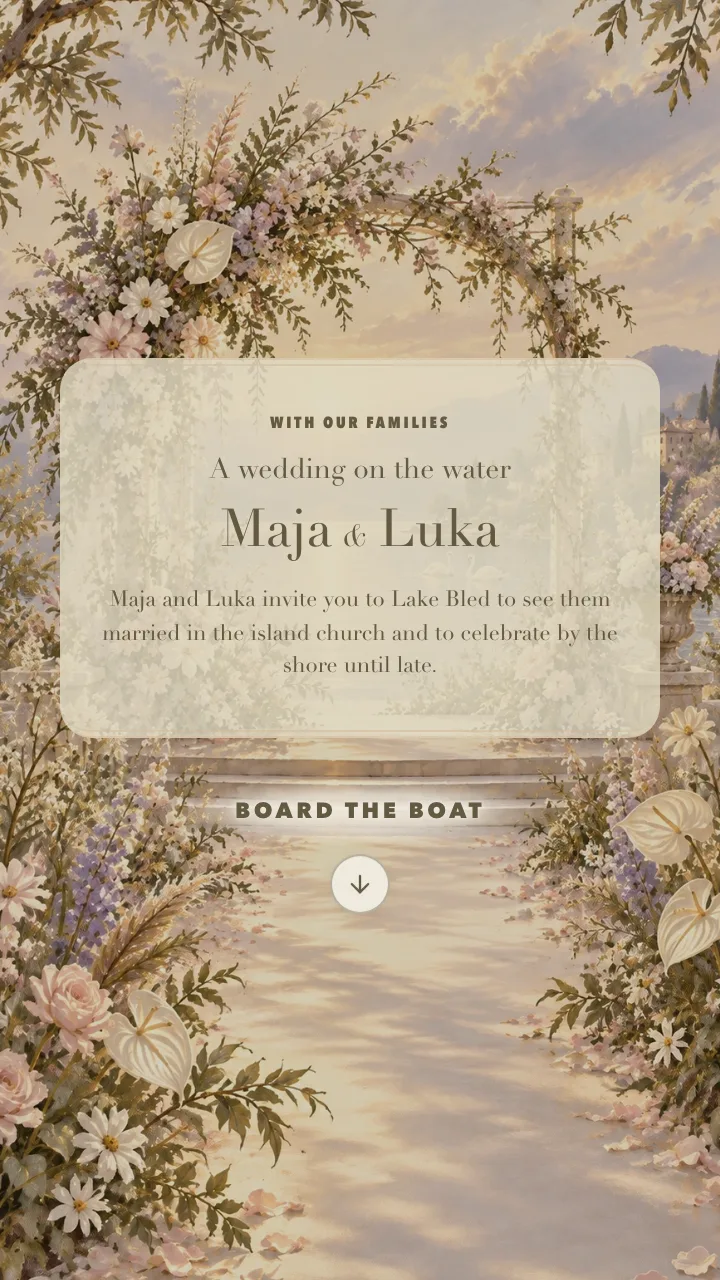
Free
€0
one-time
Publish your Save the Date free. Build and preview your invitation before you commit.
Choose this planThe first chapter of your wedding
Before the flowers, the outfits and the first toast comes the moment your guests realise they are part of it. Give them a beautiful digital invitation. Give yourselves a detailed RSVP for every guest, a seating plan, and exports ready for your venue and planner.
Invitations in 40+ languages. Every household reads theirs in their own.
Before we were Vow&Kin
Every light is a real couple who sent their digital invitations with the team behind Vow&Kin, before we took this name. Find your city, or wander the map and see who celebrated where.
Initials only. Write to us if you would like yours removed.
Drag to explore. Arrow keys move the map, plus and minus zoom.


Each household gets its own link, and the invitation opens addressed to them by name.
Invite some guests to the ceremony and others to the whole weekend. Each invitation shows just their part.
Write once, add the languages your families speak, and each household reads the version set for them.
One form for the whole household, with menu choices and allergies for each person.
One connected wedding journey
Keep the beautiful guest experience and the practical work behind it in one place. Each reply becomes useful planning information instead of another message to copy into a spreadsheet.
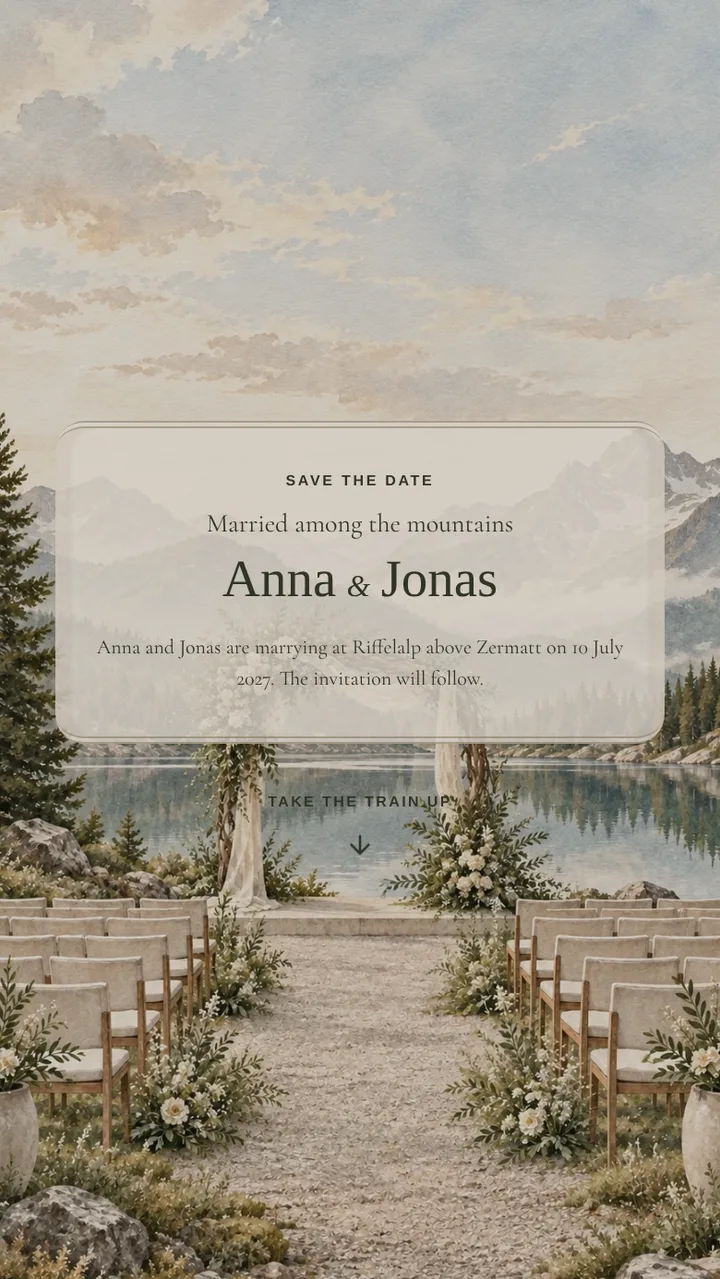
Publish a short save the date as soon as you have a date and a place. It shares the design of your invitation, so the full invitation later feels like the next chapter.
Plan: Free
Add your guests as households. Each invitation opens with their names and in their language. With Complete, a household also sees only the events it is invited to.
Plan: Signature


For Lena & Max
Every household gets its own unlisted link. Copy it with a ready-made message into WhatsApp, Viber or a text from your phone, and mark it as sent. A printable QR code is there for cards.
Plan: Signature
Lena & Max
vowandkin.com/i/k7Qp2x…
QR code
Guests reply once for the whole household: who comes to which event, their menu choice, allergies and any question you add. Every answer stays with the right person.
Plan: Signature

Lena & Max
Menu
Allergies
Hazelnuts
Send replyConfirmed guests appear in the seating plan, ready to place at tables, with dietary notes beside them. Next to it, compare costs with your budget and see what is paid.
Plan: Complete
Auto-seat remaining
Budget€14,000
Download every reply as a CSV file whenever you need it. With Complete, add the seating plan and a kitchen summary of menu choices, or print the plan to PDF for the venue.
Plan: Signature
| Lena & Max | Menu | Allergies |
|---|---|---|
| Lena | Fish | Hazelnuts |
| Max | Vegetarian | – |
Guest coordination
Import the guest list you already have. Every RSVP becomes a clear plan for attendance, allergies, meals, accessibility and each event. Export it whenever the venue, caterer or planner asks.


Guest list imported
Every reply becomes a plan
Keep menu choices, allergies, accessibility needs and your own questions with the person and event they belong to. Follow reply status and timing, then hand a clean export to your venue, caterer or planner.
See who replied, when they replied and who still needs a reminder.
The builder
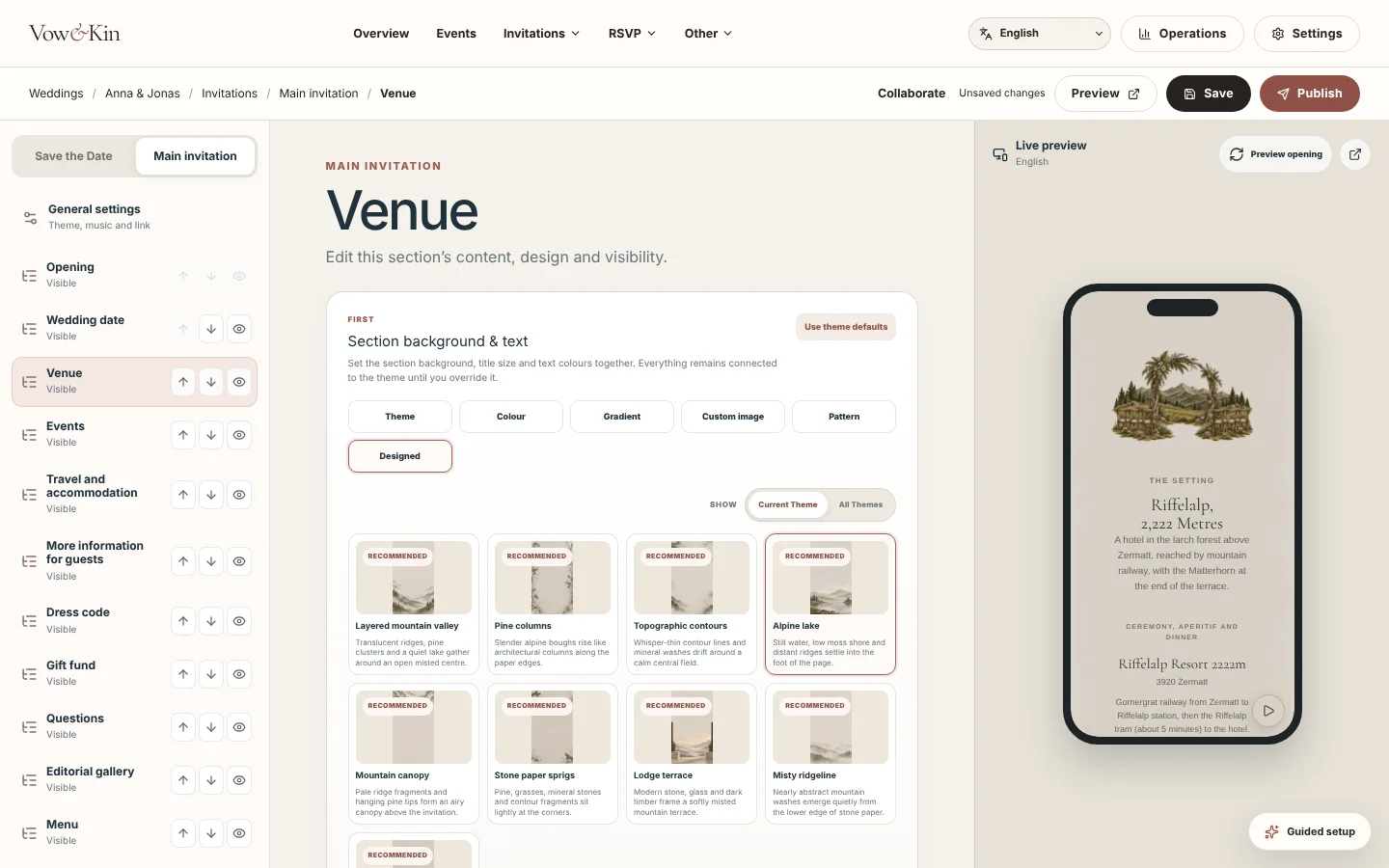
Every design arrives finished, so you can publish it as it is. Or make it entirely yours: your own images and backgrounds, your own song, every word, colour and section. Each change appears in the live preview as you make it.
Your own design
Upload your own artwork or photographs, or give any section a colour, gradient, pattern or one of our painted backgrounds.
Your own music
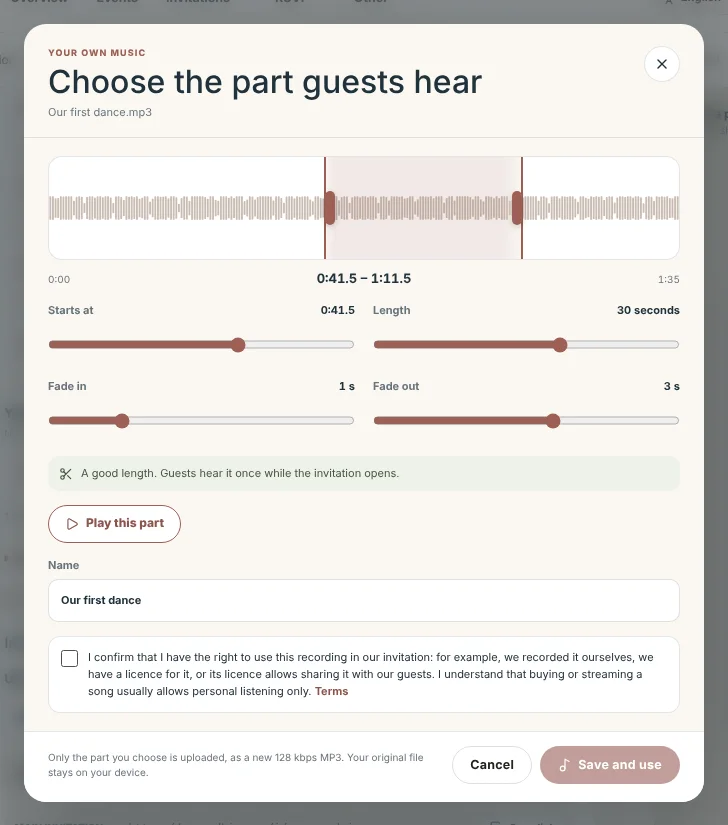
Upload a song, keep the 20 to 30 seconds you love and let it fade in and out.
Every section, every word
Add, hide and reorder sections, change fonts, sizes and spacing, and translate everything for each language you invite in.
Exactly what guests see
The phone preview shows each household's invitation before a single link is shared.
Uploading your own music is part of Complete and Concierge.
Guided setup
We worked hard to make the builder straightforward. If you would still rather be walked through it, Guided setup asks two questions and takes you from your first details to a link you can share.
Try the builder free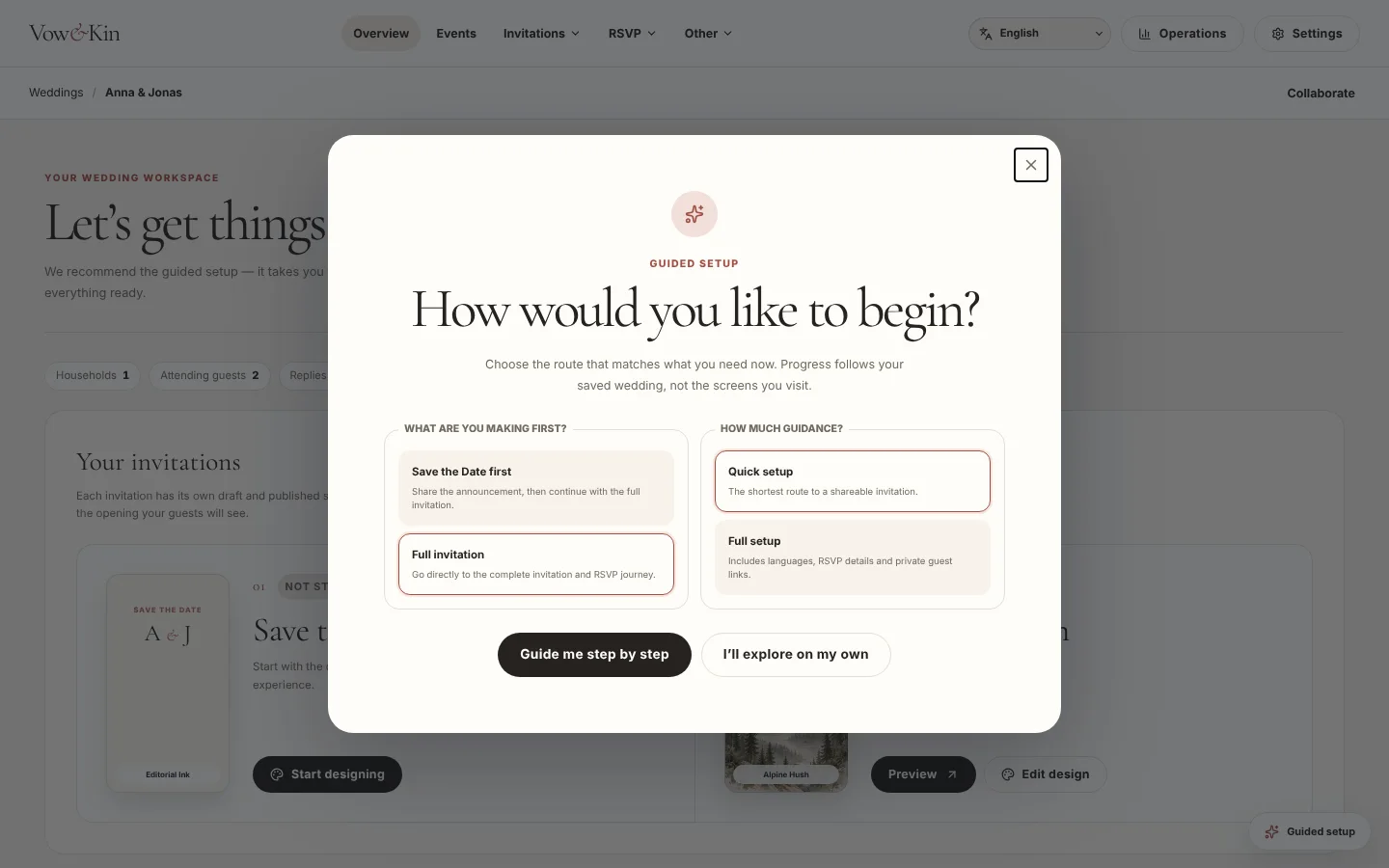
Works with your AI assistant
Copy our instructions into the assistant you already use, paste its answer back and review the draft before anything is saved.
You approve everything. Assistants never see guest contact details.
ChatGPT is a trademark of OpenAI. Claude is a trademark of Anthropic. Gemini is a trademark of Google LLC. Vow&Kin is not affiliated with or endorsed by them.
Begin with the story and see the invitation take shape for free. When it feels right, pay once for the design, coordination and support your celebration needs.
€0
one-time
Publish your Save the Date free. Build and preview your invitation before you commit.
Choose this plan€59
one-time
A polished digital invitation and essential RSVP tools.
Choose this plan€119
one-time
Multilingual, multi-event guest coordination for a full wedding journey.
Choose this plan€349
one-time
Hands-on setup and refinement with the Vow&Kin team.
Choose this planGuest data is stored in the EU (Ireland).
View detailsYes. Build and preview your invitation on the Free plan, then choose a paid plan when you are ready to publish and share.
No. Signature, Complete and Concierge are one-time payments for one wedding.
No. Each household can receive its own unlisted link with its names, invited events, attendance limits and preferred language. Only share that link with the intended household.
Yes. Complete and Concierge support 40+ invitation languages and household-level event access, so guests see the version and celebrations assigned to them. Signature includes two languages.
Collect attendance per person and event, menu choices, allergies, accessibility needs and custom answers. Reply status and submission time stay connected to the household, and the results can be exported for planning.
Copy the private link for manual sharing, send email, use a WhatsApp-ready link or download a QR code. SMS is available only when an approved sender is enabled for the supported country; nothing is sent until you choose to send it.
A supported, approved connection can prepare private invitation and translation drafts and read aggregate RSVP progress. It cannot publish, send messages or return guest-level personal data; you review and approve the work in Vow&Kin.
Begin free, shape the invitation together, and upgrade only when you are ready to send.